
Capture
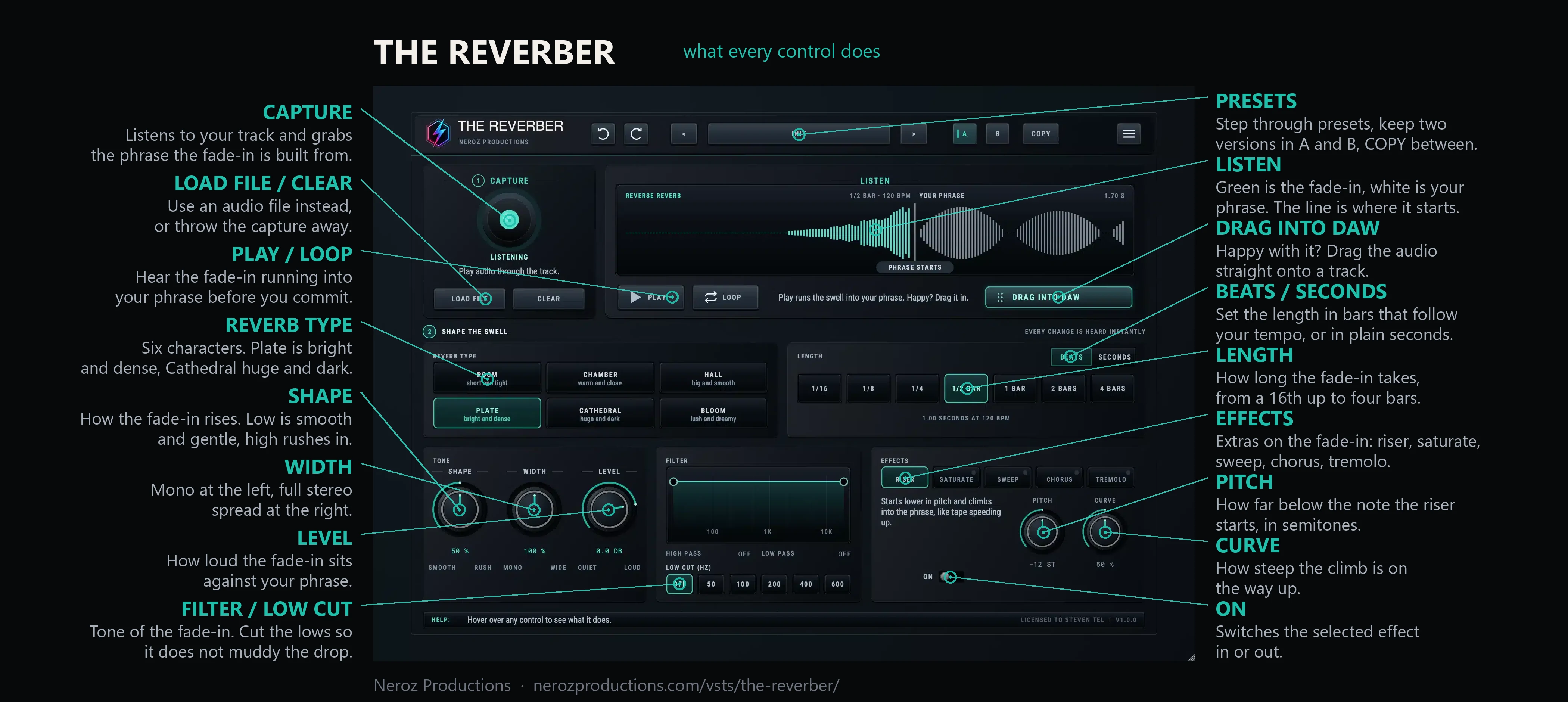
Press play in your DAW, or drop an audio file or clip on the plugin.
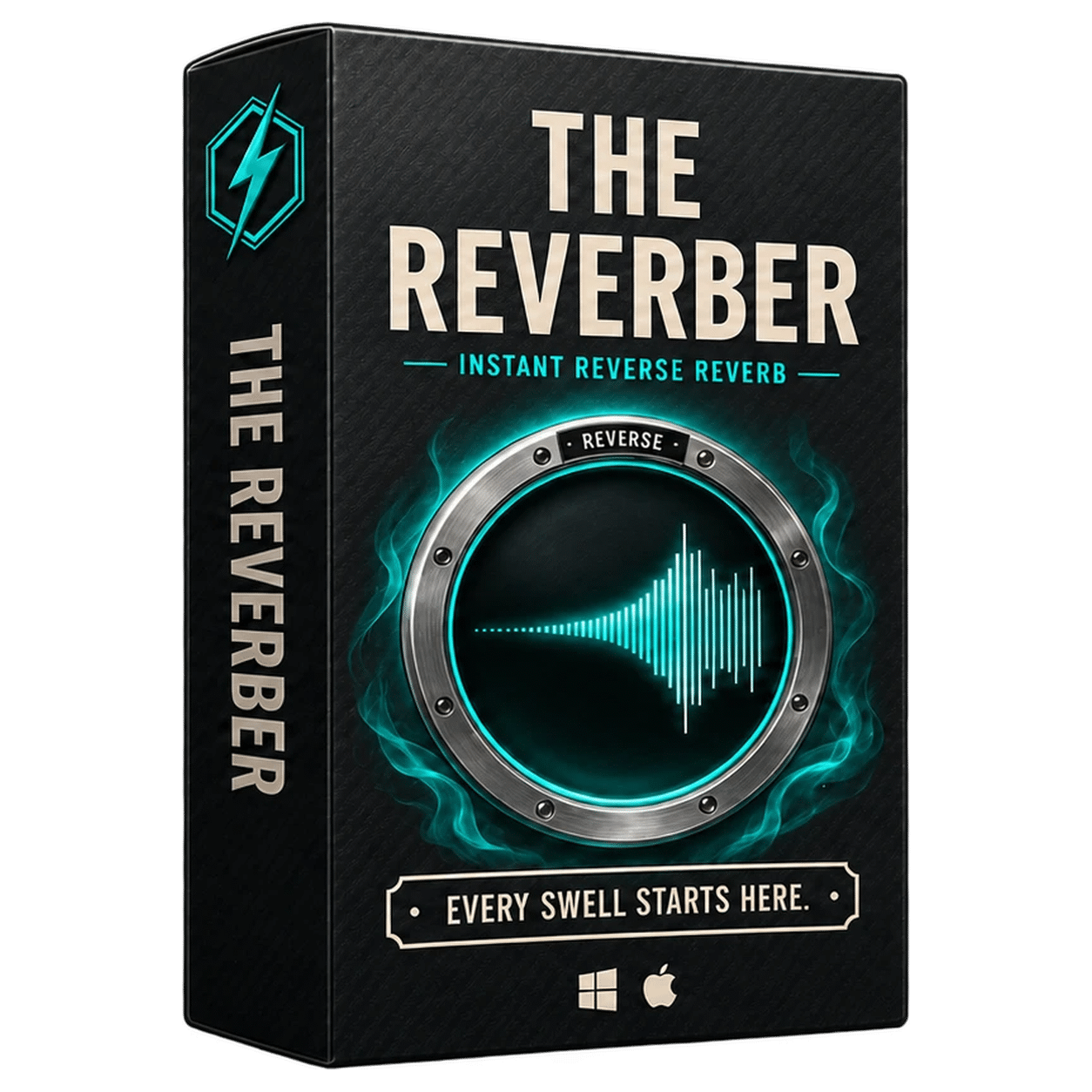
The Reverber makes reverse reverb for you. Drop in a vocal, a snare or a lead, pick a length, and drag out a tempo-synced fade-in that ends exactly where your sound begins. No exporting, reversing and exporting again.
€29.99 normal price · One personal licence
See it work
A phrase goes in, the fade-in gets shaped, and the whole thing is dragged straight onto a track. That is the entire workflow.
Add & go to cart→6Reverb types
5Effects
0 msLatency
DragStraight into your DAW
How it works
The fade-in is rendered the moment anything changes, synced to your project's tempo, and always ends exactly where your phrase begins.
Press play in your DAW, or drop an audio file or clip on the plugin.
Pick a space and a length in bars. Every change is heard instantly.
Drag the fade-in onto a track. It ends exactly where your sound begins.
Launch price
Normally €29.99. One payment, one personal licence, Windows and macOS included, with future updates. No subscription.
No card needed
Download it, drop it on a vocal or a snare and press Start free trial inside the plugin. Everything unlocked for seven days. Keep your presets if you buy.
Windows 10/11 · macOS 10.15+ · VST3 and AU · Apple Silicon and Intel
Compatibility
Straight answers
VST3 for Windows 10/11 (64-bit), and VST3 plus Audio Unit for macOS 10.15 or newer on Apple Silicon and Intel. Logic Pro uses the AU.
No. Your audio passes through untouched with zero latency, so you can leave it on a vocal while recording. The fade-in is a separate clip you drag out.
No. You need an internet connection once to activate; after that it runs offline.
One personal licence, active on one computer at a time. Deactivate it in the plugin whenever you move to another machine.
Yes. Future updates are included at no extra charge.
Available now
Launch price · €29.99 normal price · One personal licence